


Screenshots and Videos
Anyplace Control is a secure and very
easy to use
remote access software that allows you to
administer and
control distant computer securely,
virtually in real time as if you are physically in the front of it.
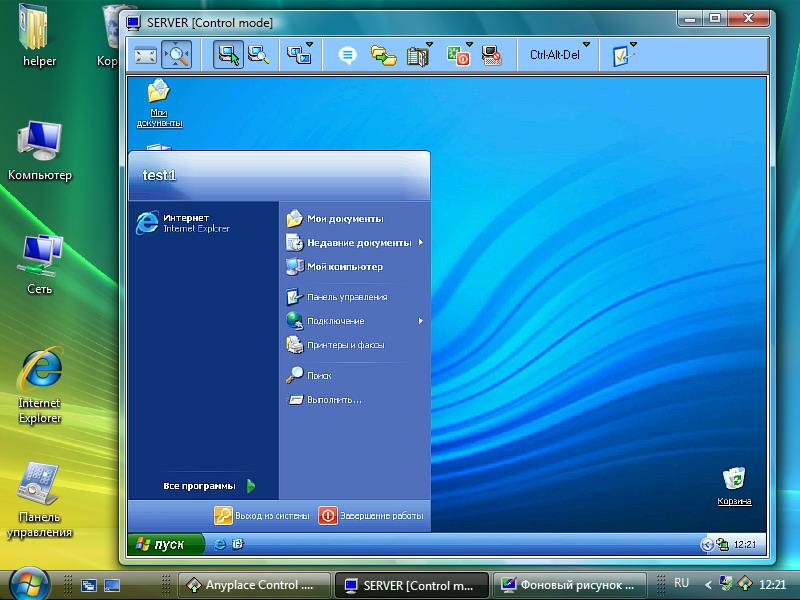
Remote Host PC reflected on your screen.
|
|
Anyplace Control remote session reflects the screen of the remote PC in real time allowing you to control it by using the mouse the keyboard of your local computer. The software is so advanced and so fast that you may feel that while working on a remote PC it actually feels like you are working on your own computer. |
File Transfer.
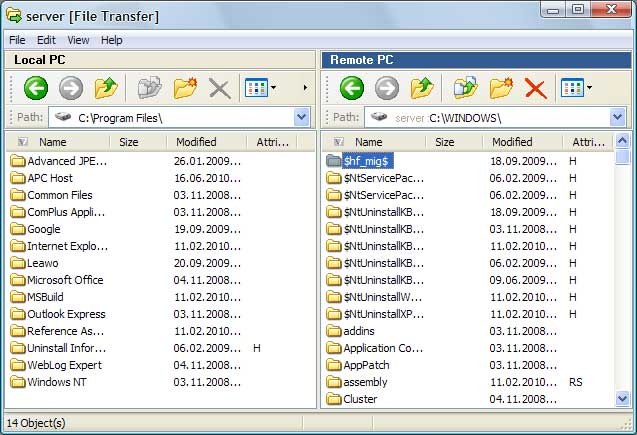 |
Anyplace Control software enables a comprehensive file transfer option, in which the entire folders and directory structures can be transferred between the computers. To optimize the performance, all files before the transfer are automatically compressed. |
Admin Module's address book.
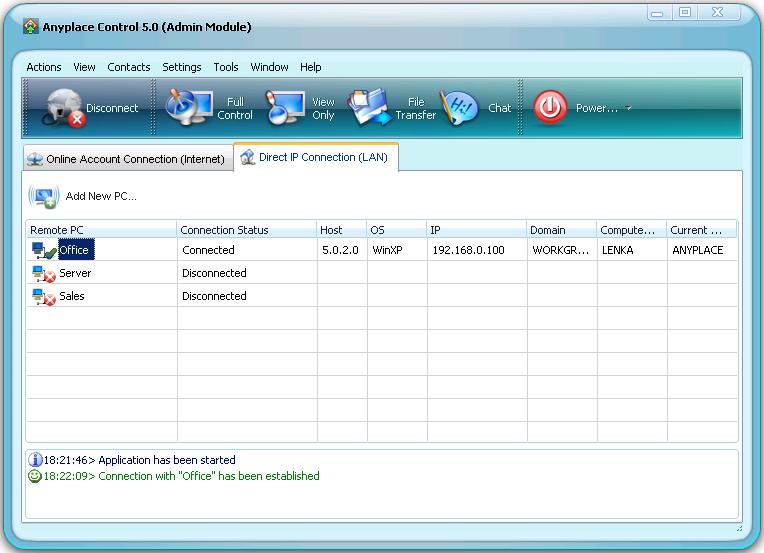 |
The address book reflects a list of computers, to which you have access to control remotely. The ability to integrate it with the group policies makes Anyplace Control a very effective tool for the administration of remote networks. A few clicks of the mouse is all you need to perform virtually any support task for the entire group of remote user PC's
|
Online Account Connection - log in.
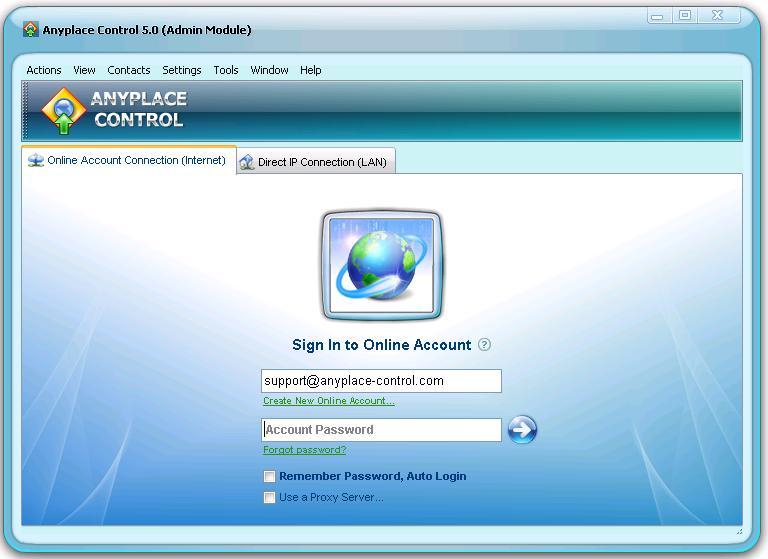 |
Anyplace Control software end-user interface is designed to be simple, user-friendly and comprehensive enough to even some of the most amateur computer users. All you need for remote connection is to enter your Online Account Password in the software dialog box. |
"Computer ID Connection" mode.
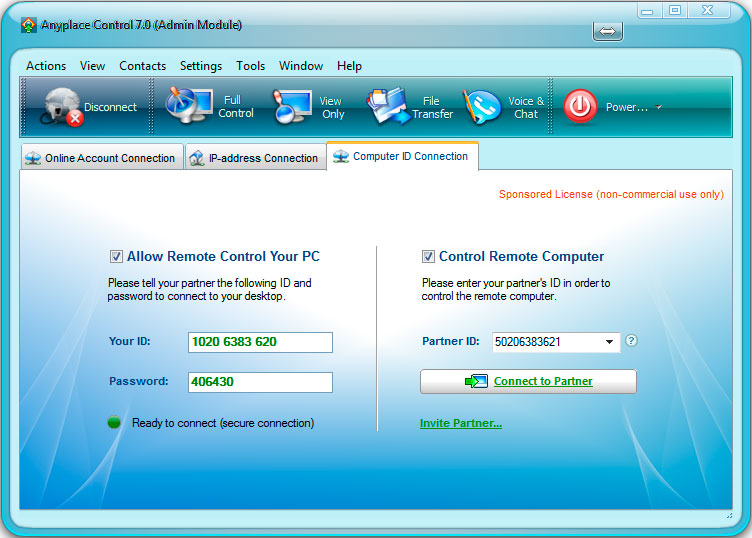 |
You can easily connect to remote computer via unique ID-number and password. Installation is not required (just download and run). |
Host Module's settings.
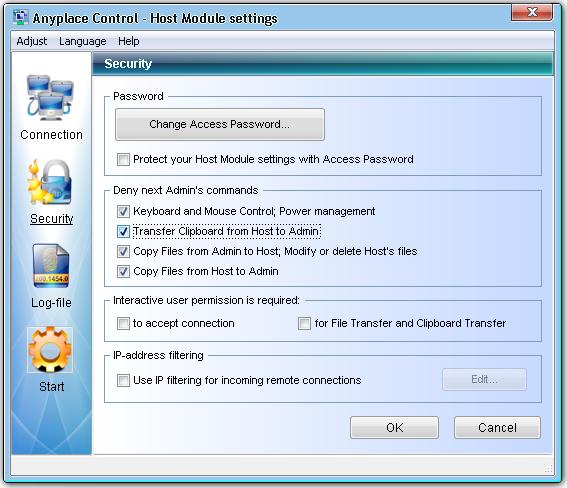 |
Anyplace Control optional settings are designed so that you can configure the software in a way that is convenient to you. All of the available advanced features perform with a strict security protocol allowing optional user privileges for remote access. |
Detailed Report.
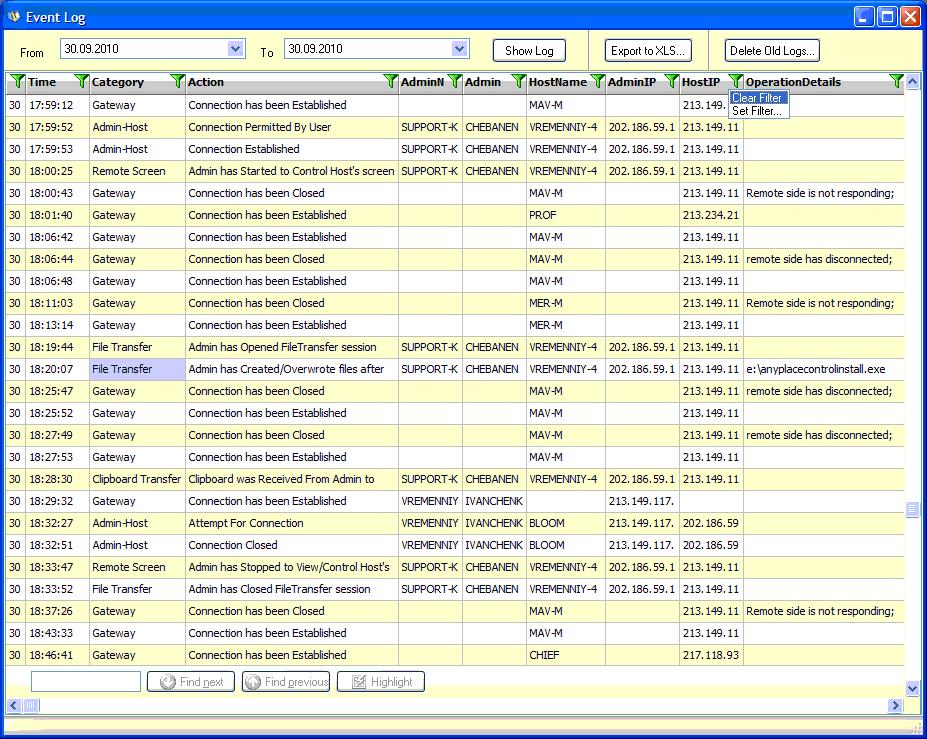 |
This option is available in Unlimited Corporate Edition only.A detailed report feature offers an opportunity to monitor an activity of your Admin users. It allows to get a full report of all actions performed by your staff on any remote computer. You may know the time length spent for remote user assistance, performed actions, etc. |


